Update and roll back
hal0 updates itself. The hal0 update CLI is a thin client over the
daemon’s /api/updates/* surface, so the same code path runs whether you
trigger an update from the shell or the dashboard. The actual swap is a
cosign-verified, atomic symlink swap of /usr/lib/hal0/current — your
config (/etc/hal0) and state (/var/lib/hal0) are untouched.
Check for an update
Section titled “Check for an update”hal0 update --checkFetches the release manifest for your channel and diffs it against the
running version. It shows current → latest (channel) plus whether an
update is available, and (when present) the release date, notes URL,
digest, and signer identity. A revoked (yanked) release is never reported
as available even if it’s newer — the response still carries
revoked_reason so --check and the Settings → Updates panel can explain
why nothing was offered.
Apply an update
Section titled “Apply an update”hal0 updateThis checks, then applies if a newer version exists. The CLI prints the
apply job id and polls /api/updates/status/<id> until it reaches
applied or failed. After a successful apply the daemon
try-restarts hal0-api itself — the CLI never touches systemd. If the
restart didn’t complete, the result says so (the new tree stays in place
regardless).
To pin a specific version instead of the latest:
hal0 update --target v0.8.4b1Channels
Section titled “Channels”Two release channels are available: stable and nightly. Set
your channel (it persists in hal0.toml), which also runs a check:
hal0 update --channel nightlyThe manifest is fetched from https://releases.hal0.dev/<channel>.json
(overridable via HAL0_RELEASES_URL for dev / air-gapped installs).
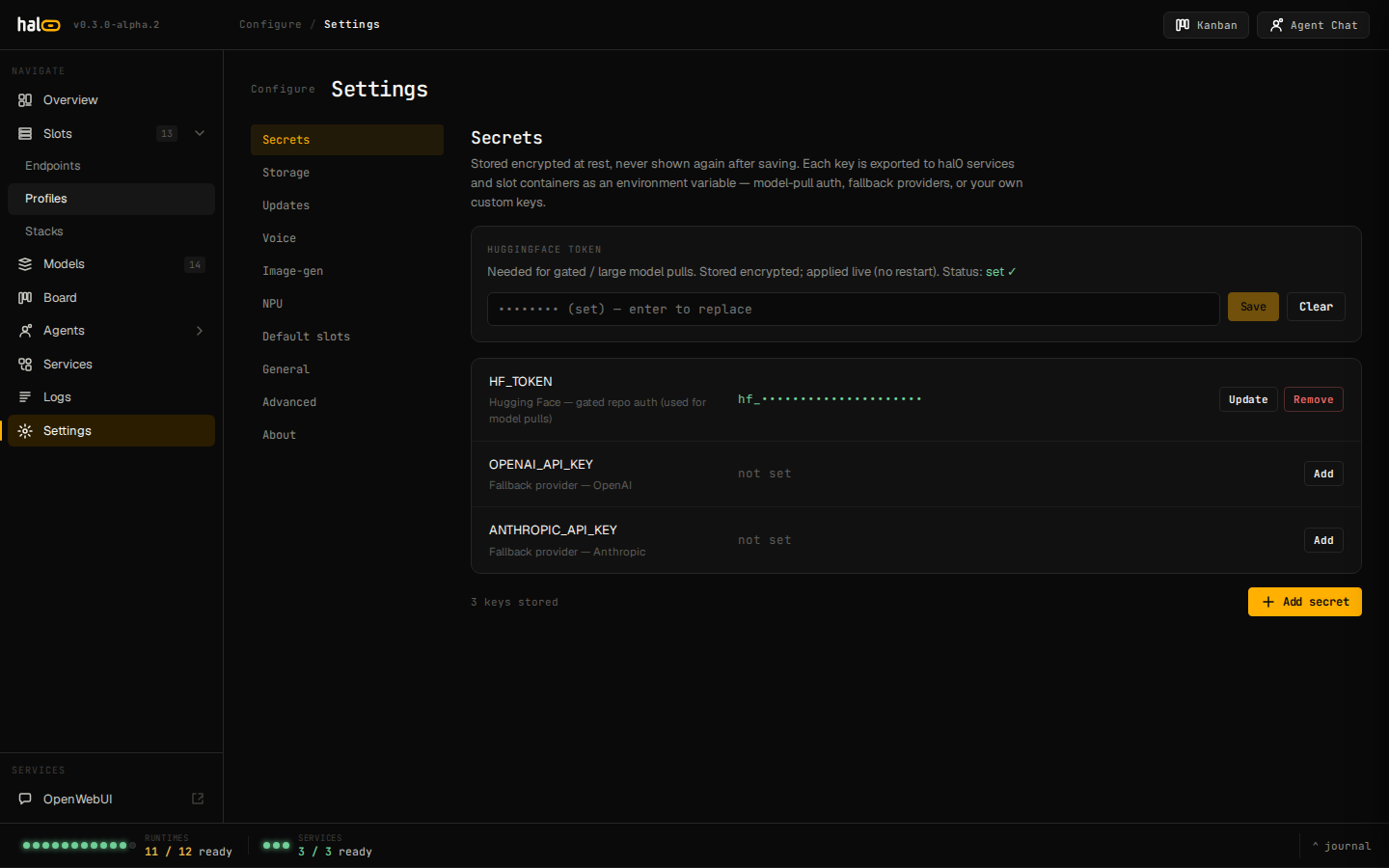 Settings → Updates: current version, available release, and channel selector.
How the atomic update works
Section titled “How the atomic update works”-
Fetch the release manifest for the channel.
-
Download the release tarball plus its detached cosign signature and Fulcio certificate into a per-version cache under
/var/lib/hal0. -
Verify the SHA-256 digest against the manifest, then the signature with
cosign verify-blobagainst the GitHub Actions OIDC identity declared in the manifest (signer_identity/signer_issuer). A missingcosignbinary or a failed verification aborts the update — nothing is swapped. -
Extract the tarball and run any forward config migrations the release needs, plus two self-healing passes over on-disk state: pruning any materialized seed profiles back to the code-defined catalog, and clearing crash-only
mtp = trueslot overrides that no longer match their model. -
Swap the
/usr/lib/hal0/currentsymlink atomically using the POSIXsymlink(tmp) + os.replace(tmp, current)pattern, then reinstall the code into the venv. A failed re-install rolls the symlink back socurrentand the venv never diverge. -
Re-render every slot’s systemd unit through the newly installed code, plus one
daemon-reload. A slot’s unit bakes its launch flags in at load time, so without this step a slot kept serving — or restarting — with pre-update flags until an operator restarted it through hal0. This step never bounces a running slot itself; the dashboard’s drift indicator still flags any slot serving stale argv until its next start. -
Record the prior symlink target in
/var/lib/hal0/hal0.previousfor rollback.
Roll back
Section titled “Roll back”If an update misbehaves, revert to the previously installed tree:
hal0 update --rollbackRollback reads /var/lib/hal0/hal0.previous, atomically swaps the
current symlink back to it, then reinstalls that prior tree into the
venv — mirroring the apply-side reinstall — so it’s what actually runs.
Unlike an apply, a rollback does not try-restart hal0-api for you:
the running process keeps serving the newer code until you restart it
yourself (Settings → Advanced’s restart button, or systemctl restart hal0-api). It warns (without erroring) if the previous tree is gone on
disk, and if the current config’s meta.schema_version is ahead of what
the previous tree understands — migrations are forward-only, so the older
tree just parses what it can. If no previous-version record exists,
there’s nothing to roll back to.
See also
Section titled “See also”- Edit configuration —
/etc/hal0is preserved across updates. - Observe the system — watch the apply job and
hal0-apirestart. - CLI reference — every
hal0subcommand.